

PC Interface
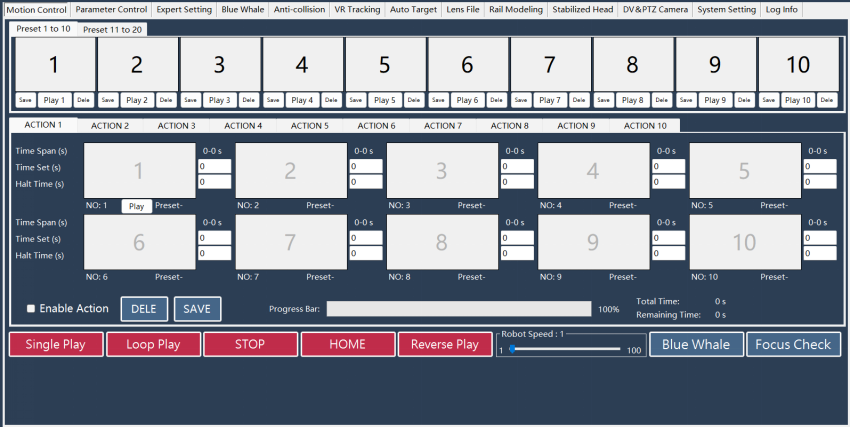
PC version of camera robot remote control interface allows users to remotely operate device via mouse and program device’s movement trajectory, time, functions and other parameters.
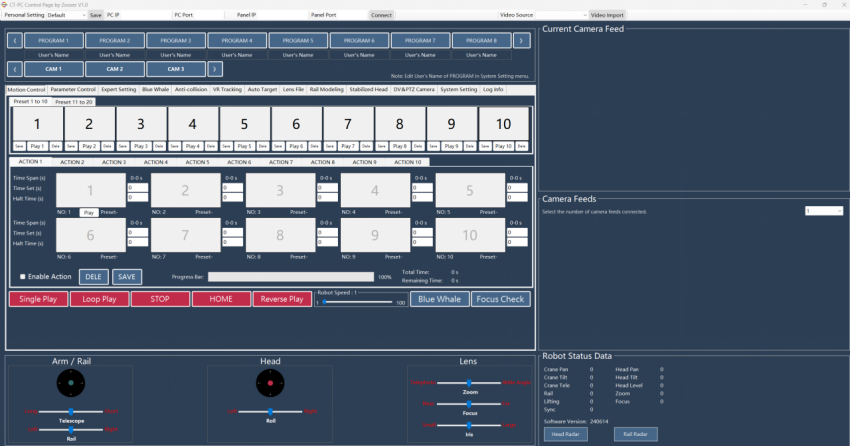
The interface can access camera thumbnail frames, enabling intuitive observation of Preset frame status for easy retrieval and use; it also displays device’s position, posture and focal length information for monitoring tracking data status.
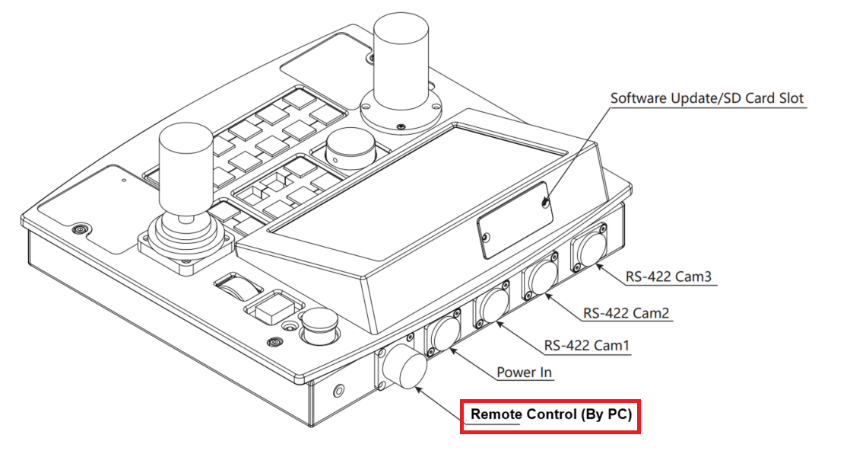
Before using PC control interface, operators need to download dedicated software and install Client Terminal on their PC. Connect PC directly via network cable or through network switch, to "Remote Control Interface (By PC)" at the back of the physical remote control panel. Only after successful setup, the PC interface can be used.
There are six function zones on the PC panel interface:
1. IP Configuration Zone;
2. Programs and Cams Zone;
3. Motion Control Zone;
4. Mouse Control Zone;
5. Camera Feed Zone;
6. Status Data Zone